LNJAMI · PROJECT PROCUREMENT & SITE PRACTICE
A lighting submittal can contain the right documents and still leave the reviewer unsure which fixture is being supplied. The schedule names one optic, the photometric file belongs to another, and the bracket drawing shows an earlier revision. Those mismatches need a decision before purchasing releases the order.
An outdoor lighting submittal is the project package used to review the proposed luminaires and their associated details. For facade wall washers, linear lights and floodlights, its practical value is traceability: a reviewer should be able to move from a fixture tag on a drawing to the exact configuration and supporting evidence. The contract determines who reviews the package and what each review status authorises.
Start with the fixture schedule
Use the fixture tags already assigned on the project drawings. For each tag, identify the proposed manufacturer, complete ordering reference, quantity and installation zone. Where a product family offers several lengths or optical versions, give each supplied combination its own identifiable entry. A family name alone is not enough to establish what the buyer will receive.
Keep the project tag, distributor stock code and factory model in separate fields when all three exist. A private-label brand may use a customer-facing number that does not appear on the factory drawing. The cross-reference must remain visible, particularly when two visually similar variants have different drivers or control inputs. Do not make the reviewer infer the match from a photograph.
Check the drawing revision before reconciling quantities. A revised elevation can add a return, remove a lighting bay or change the available fixture length. Record the discrepancy as an open item instead of quietly adjusting the schedule. The submittal should show the proposal that was actually reviewed, not a mixture of revisions collected over several weeks.

Start with the fixture schedule
Mark the exact supplied configuration
Provide a marked product sheet for each proposed configuration. Identify length, finish, colour temperature or colour system, optical code, input arrangement, driver, control interface, cable exits and supplied mounting accessories. Cross out irrelevant alternatives or attach a configuration page. A catalogue that lists every available option still leaves the selection unresolved.
State which dimensions include end caps, brackets and connector clearance. A nominal one-metre body does not necessarily occupy only one metre once its connections are installed. If a custom length changes the housing, LED arrangement or mounting positions, ask which documents must be updated. Keep provisional dimensions visibly provisional until the manufacturer confirms them.
For a hypothetical example, tag F01 might require a warm-white wall washer while F02 requires RGBW in the same housing. The housing photograph could serve both entries, but the electrical and control information cannot be assumed identical. List the two configurations separately and identify any shared documents by reference. These tags are examples, not LNJAMI product specifications.
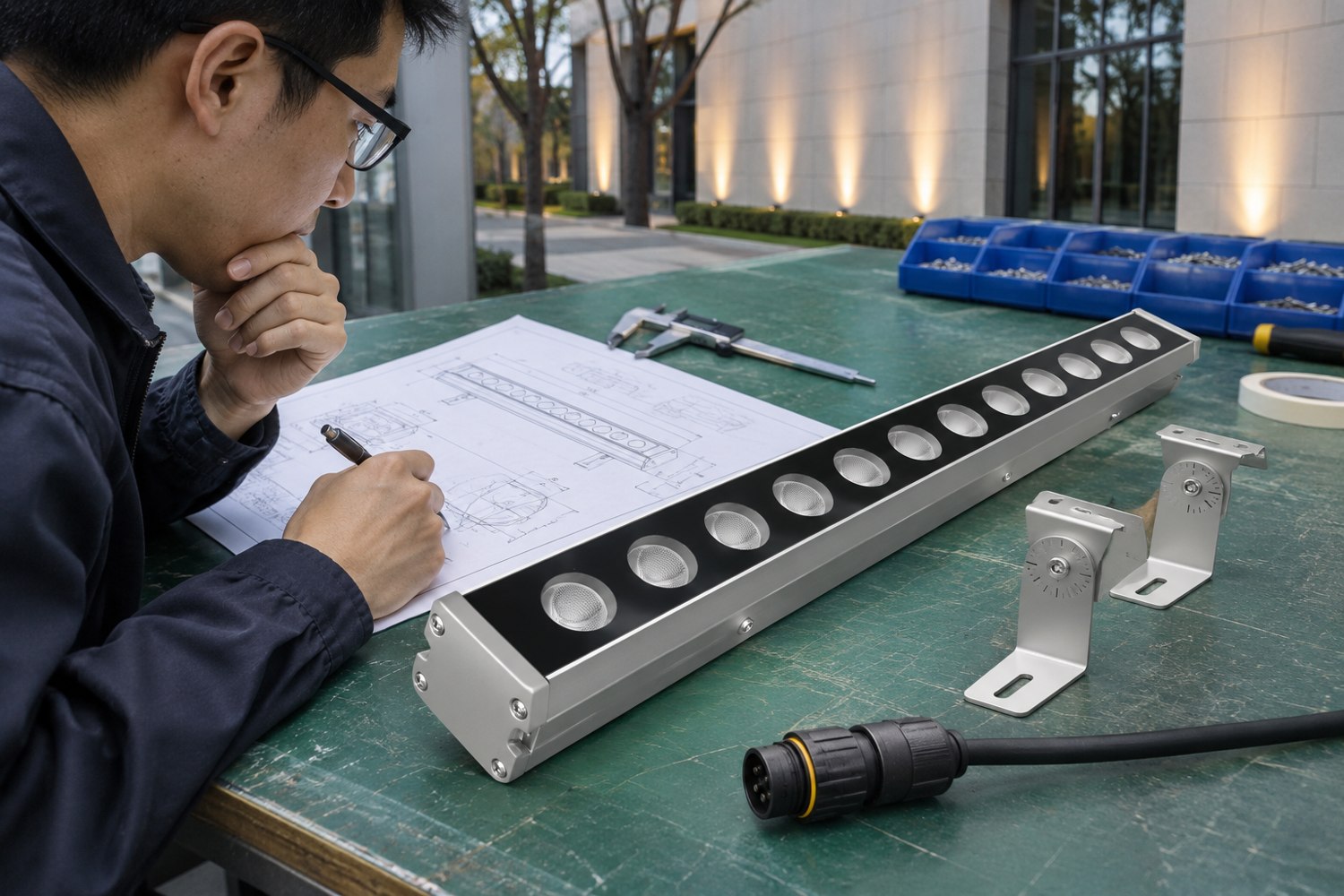
Mark the exact supplied configuration
Match photometric files to the proposed unit
Photometric files describe how a luminaire distributes light and are used by lighting calculation software. The Illuminating Engineering Society explains this role of IES files. In a submittal, check the connection between the file and the proposed luminaire: model, optical version, output configuration and the test or data reference supplied by the manufacturer.
If the submitted file represents a related version, ask the supplier to explain the relationship and its limitations. Do not silently rename it as the exact proposed model. A change in optics can alter the distribution, while a change in output can affect calculated levels. The responsible designer needs to decide whether the available evidence is sufficient or whether different data is required.
Keep the calculation report linked to its input files and assumptions. Record mounting positions, aiming, calculation surfaces and the operating scene. This makes a later revision review possible: the team can identify whether a changed result comes from the luminaire or from the model. Our guide to IES files and photometric testing covers the measurement background.
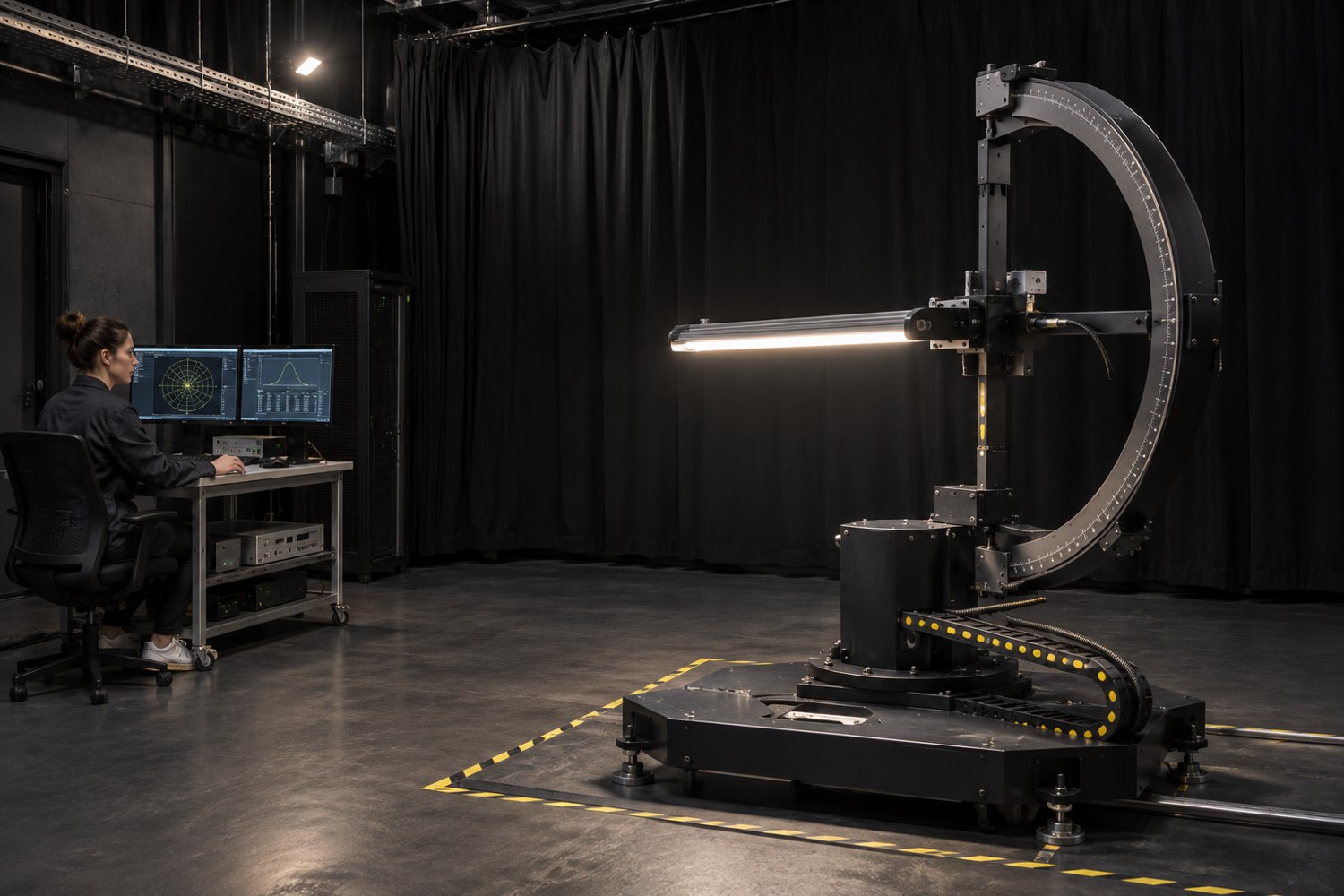
Match photometric files to the proposed unit
Resolve mounting and system interfaces
Review the bracket and cable arrangement against the actual architectural detail. Check the available mounting surface, adjustment space, fastener access and route for connectors. The drawing should distinguish manufacturer-supplied parts from site-supplied supports. Structural suitability and local installation requirements belong with the responsible project specialists; a product drawing alone does not settle them.
Electrical and controls information should describe one proposed system. Identify the fixture input, compatible driver arrangement, control protocol and connection references. A label saying DMX or DALI does not describe every operating detail. Where the project needs a particular dimming range or control behaviour, ask for confirmation of the proposed combination rather than relying on the protocol name.
Attach certificates and test reports when the project requires them, and check their scope against the supplied model. Requirements differ by destination and contract. Keep a requirement matrix showing the requested document, the evidence provided and any unresolved item. A general company certificate should not be presented as proof that every product variant has a particular approval.

Resolve mounting and system interfaces
Make deviations and review comments visible
List proposed deviations explicitly. They may concern a finish, length, optic, accessory or control arrangement. State the requested requirement, the offered alternative and the affected documents. Keep the technical question separate from the delivery or price consequence so the reviewer can make an informed decision without discovering a substitution inside an unmarked catalogue page.
Use the review status defined by the project. A supplier quotation, sample delivery or informal email does not automatically authorise manufacture. If comments require a resubmission, respond to each comment and identify the revised pages. Retain the previous issue so that the change can be traced, but make the current issue unmistakable.
For example, a reviewer may accept the housing finish while leaving the mounting clearance unresolved. Record those as separate decisions. Writing only “approved” across the entire product entry would hide the outstanding issue. The person responsible for purchasing needs to know exactly which conditions still prevent release.

Make deviations and review comments visible
Issue a package purchasing can use
Before ordering, reconcile the reviewed schedule, marked product sheets, drawings and supporting files one last time. Give the package an issue date and revision. Identify who owns the master copy and how later changes will be communicated. When a component changes after review, return the affected information to the agreed review process instead of updating one file in isolation.
The following record structure can be copied into a project register. Add the contract-specific fields your reviewer requires. Once the equipment is manufactured, the issued package becomes a reference for inspection; it does not replace the checks on the actual delivered goods.
| Record | What to include |
|---|---|
| Fixture identity | Project tag, exact model and installation zone |
| Configuration | Length, optic, colour, driver, control and accessories |
| Evidence | Drawing and photometric file references with revisions |
| Open items | Deviation, responsible party and required response |
| Review and release | Project-defined status, conditions and issued package revision |

Issue a package purchasing can use
Questions buyers ask
Is a quotation a lighting submittal?
A quotation normally defines a commercial offer. It may reference technical documents, but the required review package and approval process must still follow the project requirements.
Does every variant need separate photometry?
The evidence must represent the proposed configuration. Ask the manufacturer and responsible designer which changes require different data; do not assume all variants in one family are interchangeable.
Who approves the package?
The contract assigns review responsibilities. Confirm the reviewer, disposition terms and release conditions at the start of the submission process.
Discuss the project with LNJAMI
Send the relevant fixture schedule, drawings and project requirements to LNJAMI. Our team can discuss the product information needed for your outdoor lighting project.
Discuss your project
LNJAMI · Outdoor architectural LED lighting · Customisation