DMX Addressing Troubleshooting: A Worked RGBW Facade Example
A red command brings up green on one luminaire. The neighbouring light comes on when it should stay dark. These are useful clues during DMX addressing troubleshooting: repeat the command, identify the responding fixture and compare the raw output with the channel chart before changing the patch.
Check the exact operating mode, routed universe and output port, start address, and occupied channel range. Then test a single colour at a time. The worked example below follows one wrong address through calculation, fault reproduction and a verified correction.
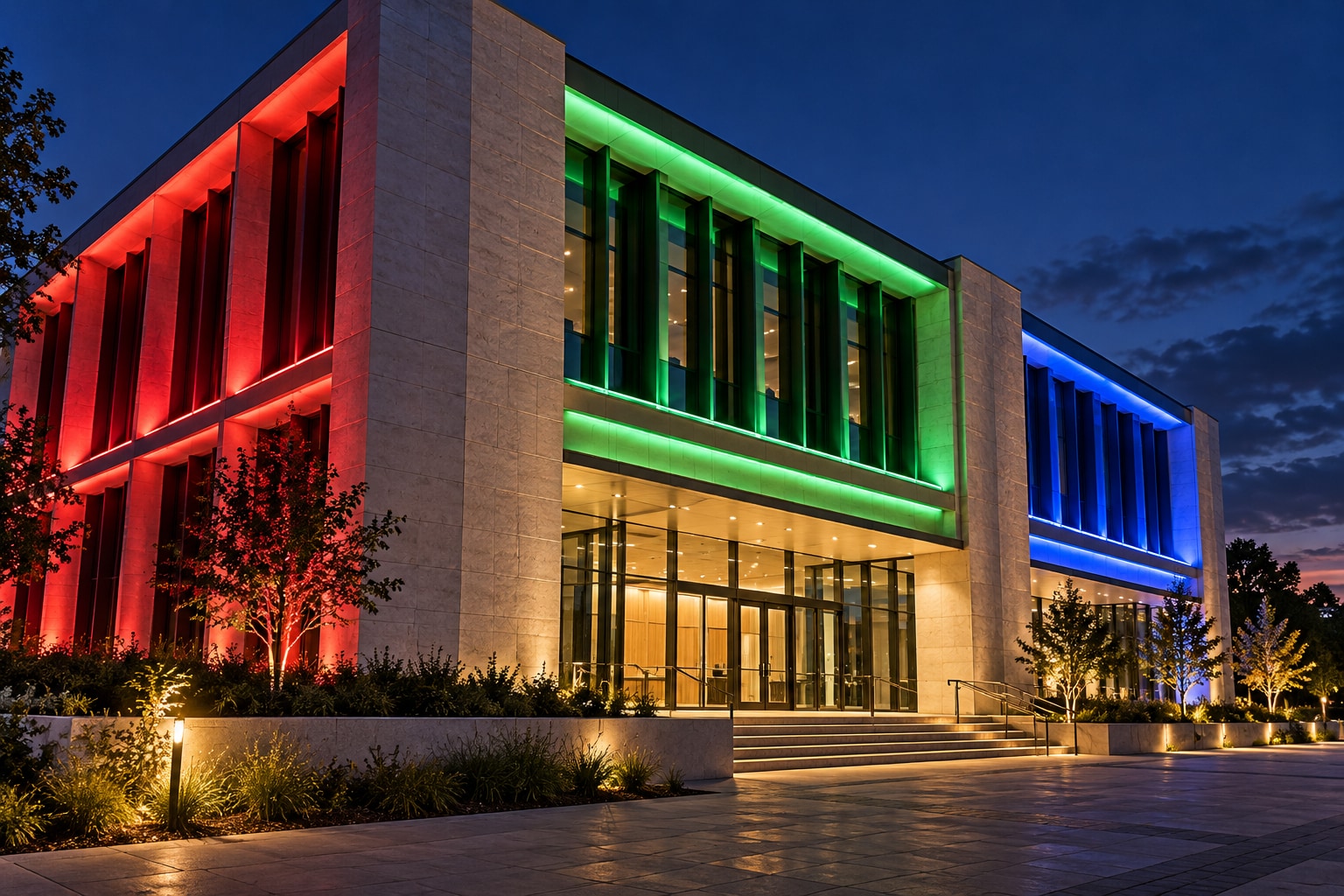
Three fixtures, one wrong start address
Demonstration data only. Assume three identical luminaires on one conventional DMX universe, labelled U1 here, through output A. Each uses a four-channel, 8-bit mode in the order red, green, blue, white, without a master dimmer, shutter, pixel grouping or automatic effect. This is a calculation and test example, not an LNJAMI installation record or a specification for all LNJAMI RGBW products.
Write down the intended patch
The start address is the first channel a fixture reads; its footprint is the number of channels it consumes (ETC DMX glossary). The range calculation below is general; the footprint and functions must come from the chart for the actual model, firmware and selected mode. Here, the stated four-channel mode makes the last channel the start address plus three.
End = start + footprint − 1
F01: 101 + 4 − 1 = 104; next start = 105
|
Fixture |
Start |
Occupied channels |
Channel order |
|---|---|---|---|
|
F01 |
101 |
101-104 |
101 R / 102 G / 103 B / 104 W |
|
F02 |
105 |
105-108 |
105 R / 106 G / 107 B / 108 W |
|
F03 |
109 |
109-112 |
109 R / 110 G / 111 B / 112 W |
Introduce the fault at F02
Leave the controller patch at 101, 105 and 109. Suppose the physical setting stored in F02 is 104 instead of 105. F02 now reads 104-107. Slot 104 controls F01’s white and F02’s red; slot 105, which the controller treats as F02 red, reaches F02’s green. F03 still reads 109-112.
Use a bench circuit or an agreed commissioning window. Stop chases, clear held values and other active control sources, and confirm that U1 actually reaches output A. Test in raw-channel mode so a software colour picker or virtual dimmer does not obscure the values being sent. In this example, every slot starts at zero.
Compare the response before and after correction
|
Raw test command |
F02 set to 104: predicted result |
F02 corrected to 105: predicted result |
|---|---|---|
|
104 = 64; all other slots = 0 |
F01 white + F02 red; F03 off |
F01 white only |
|
105 = 64; all other slots = 0 |
F02 green; F01 and F03 off |
F02 red only |
|
108 = 64; all other slots = 0 |
All three off: none reads slot 108 |
F02 dedicated white only |
Reset each test slot to zero before the next command. If the observed response matches the fault column, read back F02’s mode and address. Correct its stored start address to 105 and save it using the manufacturer’s procedure. The intended controller patch was already correct, so it does not need to move. Repeat exactly the same three commands and compare them with the corrected column.
Finish F02’s four-colour check at 105, 106, 107 and 108, then check F01 and F03 individually. Save the controller file and repeat the relevant tests after a planned power cycle. Record the expected and observed result separately. If a test differs, recheck mode, routing, merges and channel order before calling the fault solved.
ENTTEC’s addressing guidance explains why a multi-channel device needs its full address range before the next fixture begins. The response table is calculated from our stated RGBW assumptions; it is not a manufacturer test report. Use the decision table below when observations differ.
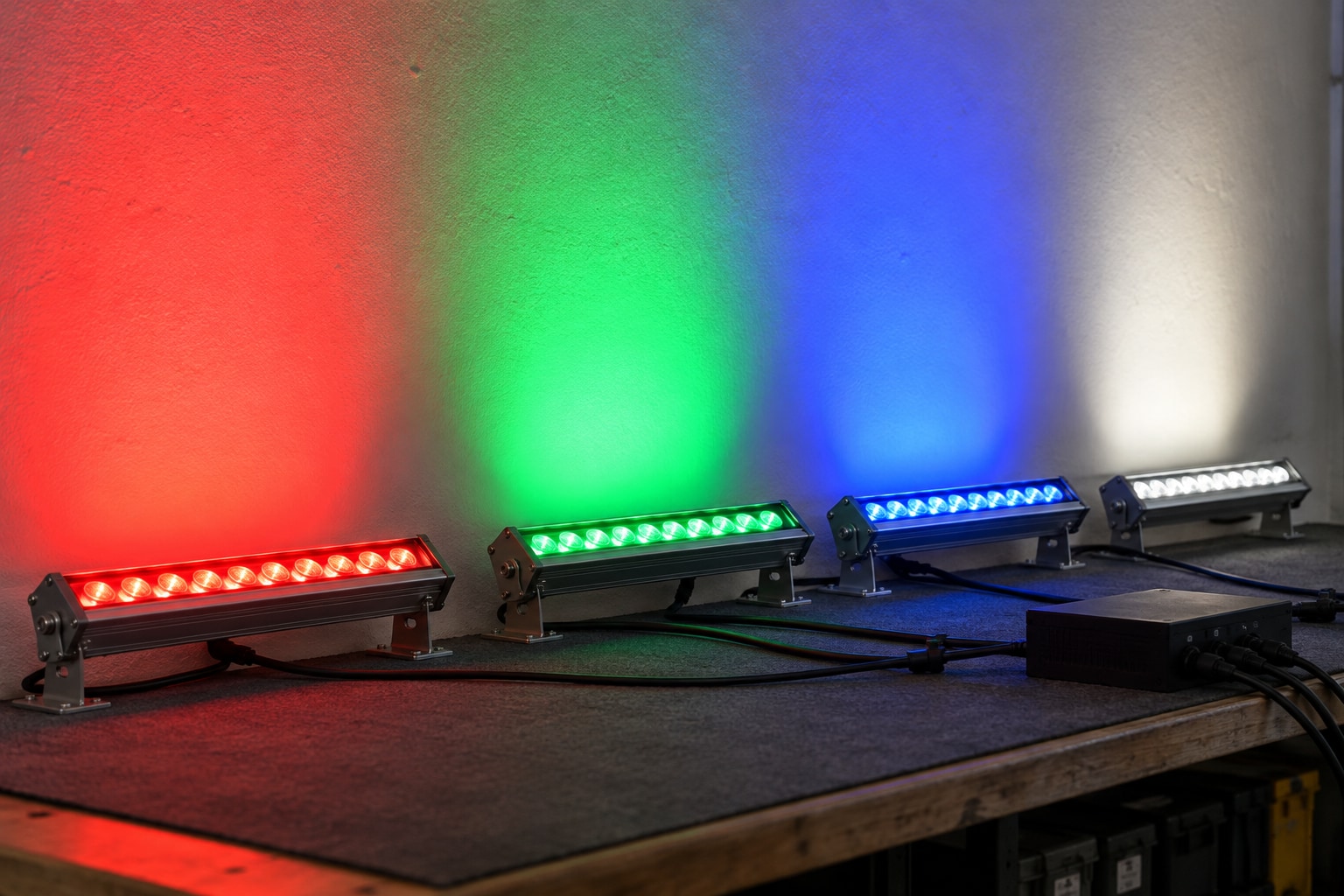
The housing shape does not determine the DMX profile
An outdoor linear wall washer and an RGBW floodlight can use the same simple channel arrangement, or very different ones. The useful distinction is the supplied operating mode and the number of independently controlled sections. For a mixed facade schedule, resolve those details by fixture type before calculating addresses.
Whole-fixture control: for a linear wall washer, establish whether the whole length acts as one cell. For an RGBW floodlight, check whether the chosen mode adds a master dimmer, shutter, macros or fine channels. Neither a one-metre housing nor an RGBW label establishes the channel count.
Segmented control: establish the independently controlled segment count, physical direction and grouping options. Six segments in a documented four-channel RGBW mode need 6 × 4 = 24 channels before extra functions. Starting at 101, that fixture ends at 124; the next free start is 125. A supported whole-fixture grouping mode may use a different footprint, so obtain the relevant chart before reserving addresses.
Where 16-bit DMX control is provided, a parameter can use a coarse/fine pair instead of one channel, as described by ENTTEC. Confirm the actual order in the chart. A brochure’s internal dimming-level claim, by itself, is insufficient to establish the external DMX footprint.
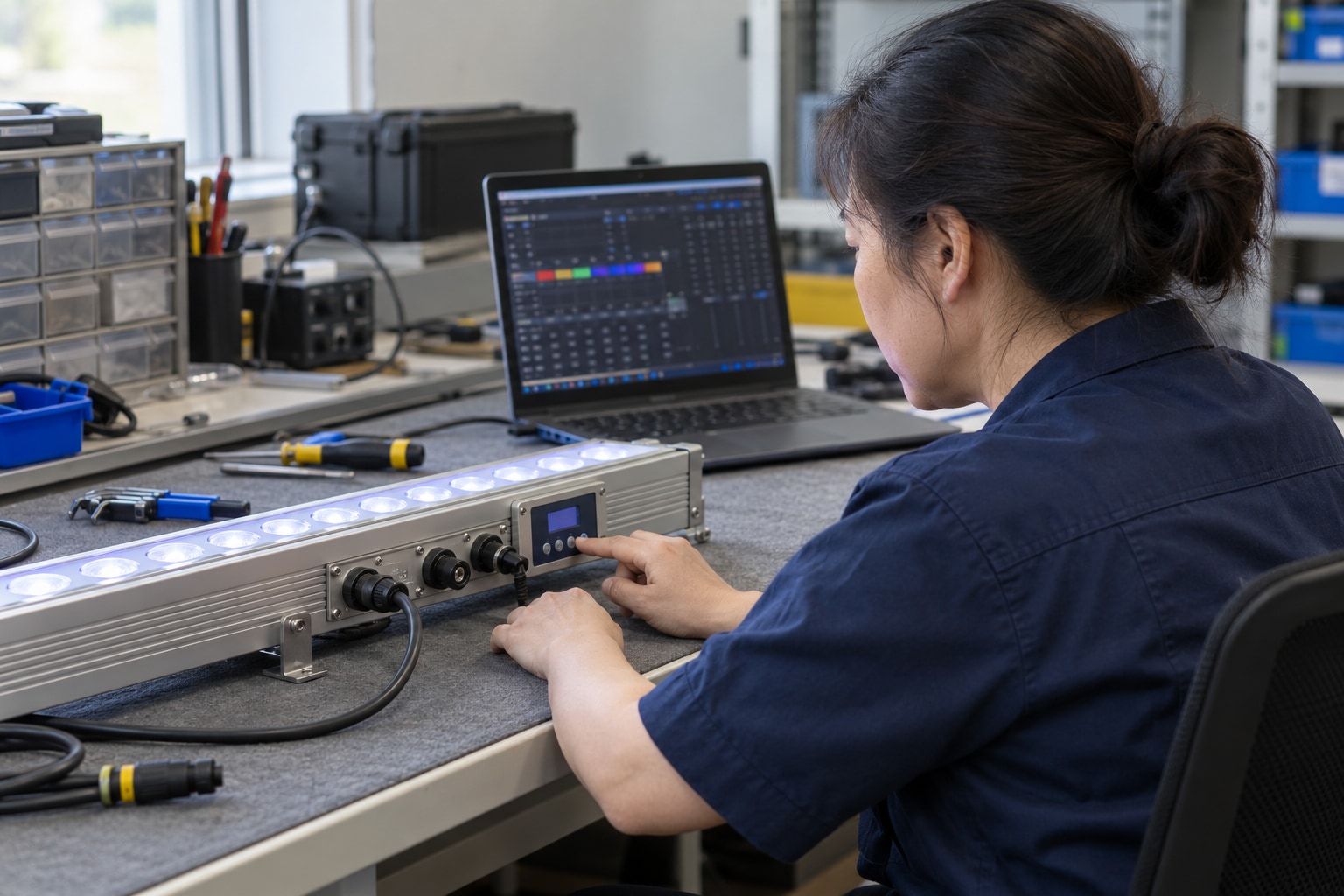
When the three-command test does not match
Use the isolated raw-channel setup above. A colour symptom alone does not establish an address overlap: the stored settings and observed response must support the same explanation.
|
Observed evidence |
Working diagnosis |
Next action |
|---|---|---|
|
104 gives F01 W + F02 R; 105 gives F02 G. Read-back confirms F02 is in the stated 4CH mode at 104 on the same output. |
Address overlap is supported in this example. |
Set and save F02 at 105; repeat 104, 105 and 108. Keep the read-back and results. |
|
Start address and routing match the schedule, but raw commands give a repeatable wrong function; or raw 105 is red while the colour picker produces green. |
Check mode and mapping. A correct raw response points toward the software profile or its output. |
Compare the exact model/firmware/mode chart with the stored mode and channel monitor. Check documented master/shutter values too. |
|
No response after mode, required enable values and routing are confirmed; or correct colour mapping with intermittent flicker. |
Stop shifting addresses. Signal-path or power checks now take priority. |
Isolate one fixture with a known-good DMX source and short lead; verify specified power and connections. Record what changes. |
Check the software universe and gateway output together. An ordinary DMX receiver reads the addresses on its physical line; changing its start address cannot move it to another upstream universe. The ETC RDM documentation describes that physical-universe limit. On a system with network gateways, confirm the software-to-port assignment rather than assuming matching display numbers prove the route.
If RDM is supported across the fixture and control path, use Identify to associate a discovered device with its physical position, then read back its mode and address. A mode change can enlarge the footprint and overlap the next fixture. Repeat the range check after that change. For cable length, repeaters and other transmission issues, use the separate LNJAMI DMX transmission guide.

Give each fixture one traceable project record
A fixture schedule becomes useful on site when its references survive the move from drawing to carton to control software. Use a physical fixture ID on the elevation, cable label and patch. Keep the product model separate from that location ID: several installed positions can use the same model while requiring different addresses.
For F02, a record might link position E-L02-B03-F02 → elevation E-02 → fixture type WW-A → exact supplied model and firmware → approved chart DMX-WW-A-Rev B / RGBW 4CH → matching software profile revision → U1 / node N01 / output A → 105–108. These are illustrative project codes; replace them with the purchase line, installed labels and approved documents.
A revision change must travel with the record. If the supplier changes a channel chart or firmware after sample approval, check the affected modes and address ranges again. Updating a file name alone does not confirm that the replacement luminaire and the installed controller now agree.
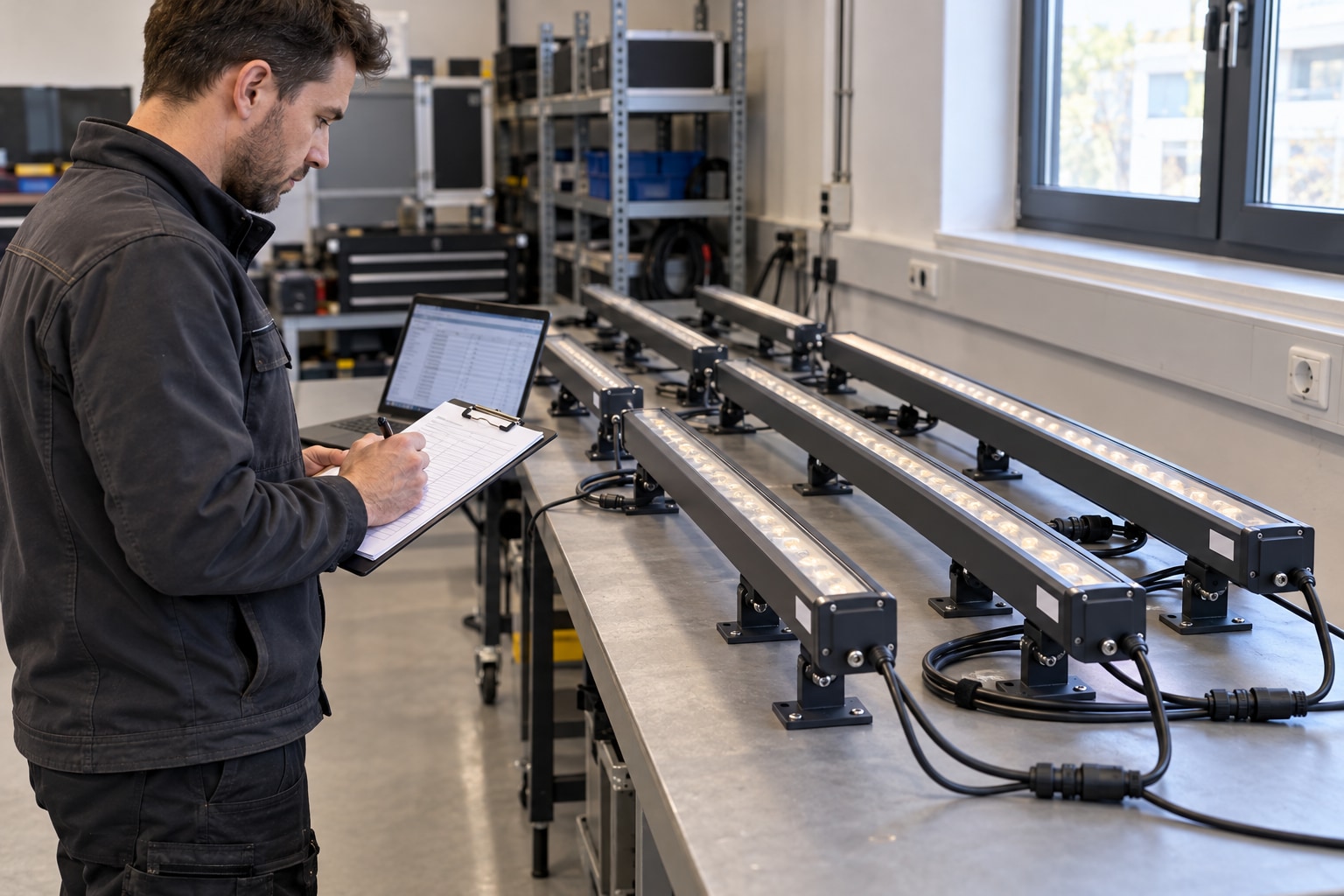
Ask for the control documents at quotation and sample approval
For a facade package that mixes wall washers, RGBW floodlights and linear facade lights, request the control submittal by exact supplied variant. The following is a proposed project document set to agree with the supplier and controls team, not a claim that every model offers every feature.
At quotation, ask the supplier to identify the proposed model and control variant, and mark any unresolved points. At sample approval, request these four items for the sample actually supplied:
Channel chart: exact model, firmware, mode name, footprint, channel order, value ranges and any enable/master/shutter requirements. A generic “RGBW DMX” sheet is not enough.
Segment map: whether independent control is supported, how many segments are exposed, their physical direction, grouping options and the footprint of the selected grouping.
Address and save procedure: menu, writer, automatic addressing or supported RDM functions; how to store settings and verify them after restart. Include the actual connector pinout and power/connection drawing.
Controller compatibility status: the customer’s controller/gateway model, software version and fixture profile; what the sample test covered and what still needs joint confirmation. Record open items rather than treating a DMX label as proof of a completed test.
If the channel chart and software disagree
Ask the luminaire supplier to issue the model- and firmware-specific channel definition. Ask the controls integrator to confirm the software profile, universe/port routing and patch against it. The installer identifies the physical positions; the commissioning team records the observed response. Agree who coordinates these approvals in the project contract.
Request a dated compatibility note identifying both document revisions, the agreed mode and channel order, the tested hardware/software versions, any restrictions and the confirming parties. Keep one approved revision in the handover pack. A general statement that two products are “DMX compatible” leaves these questions unresolved. ETC’s patching instructions specifically require the selected personality and device mode to match.
Close the job with observed results
Before release, confirm the fixture IDs against the marked elevation, save the approved controller project and archive the chart/profile revisions with it. Repeat the changed fixture’s colour tests after the planned restart, then check the intended scenes. Confirm the agreed behaviour when DMX is lost and restored instead of assuming every fixture will hold its last look.
For the F02 demonstration, the acceptance targets are specific: U1/output A, four-channel RGBW, start 105, end 108; raw 104 should operate F01 white only, 105 F02 red only, and 108 F02 white only. Enter the actual observation beside each target, with the tester, date, saved profile/chart versions and post-restart result. Leave any mismatch open. Another technician can then repeat the check after a replacement without guessing what “DMX test passed” meant.

DMX addressing questions from site
Can two fixtures share a start address?
Yes, if they are deliberately grouped, use matching channel arrangements and receive the same universe. They will respond to the shared data together. Separate universes may reuse the same channel numbers without that address overlap; the routing still has to match the project schedule.
What is the highest start address for a four-channel mode?
509, because 509 + 4 − 1 = 512. More generally, the maximum start is 513 minus the footprint. A channel-space calculation does not establish the number of devices that may be connected to one physical line.
Does a different white colour prove an address fault?
No. Check whether the command activates the dedicated W emitter or mixes RGB, then compare the specified white CCT, calibration and dimming settings. In the worked example, the raw W-channel test establishes which function responds; it does not certify a colour-temperature match.
Must the addresses follow the cable order?
Conventional addressed DMX receivers read their configured slots on the line. A manufacturer’s automatic-addressing or pixel-string arrangement may instead depend on product-specific rules and sequence. Identify which system is supplied before changing either the fixture order or its addressing method.
Start with the fixture list and controller model
You do not need a finished channel chart to start an enquiry with LNJAMI. Send fixture models or proposed fixture types, quantities, and the controller/gateway model. If the controller is not selected yet, say so. State whether the design needs whole-fixture RGBW or independently controlled segments.
A marked elevation, layout, protocol requirements and any existing chart or address schedule help the next discussion, but missing documents can be listed as open items. Ask LNJAMI to identify the proposed luminaire’s control options, supply the applicable model documents and flag the interface/profile checks to complete with your controls provider. Agree that scope before ordering.
Discuss your fixtures and DMX controller with LNJAMI